A portfolio link is often opened in the worst possible context: between meetings, on a phone, from a forwarded email, or five minutes before an interview panel starts comparing candidates.
That link has one job. It needs to make the work easy to inspect.
For many designers, developers, photographers, writers, motion artists, students, studios, and freelancers, a static portfolio is enough. It can carry case studies, high-resolution visuals, live demos, project notes, source links, videos, and contact paths without running a server. The hard part is not hosting complexity. The hard part is publishing the right files, keeping the site fast, and putting the work on a URL that feels intentional.
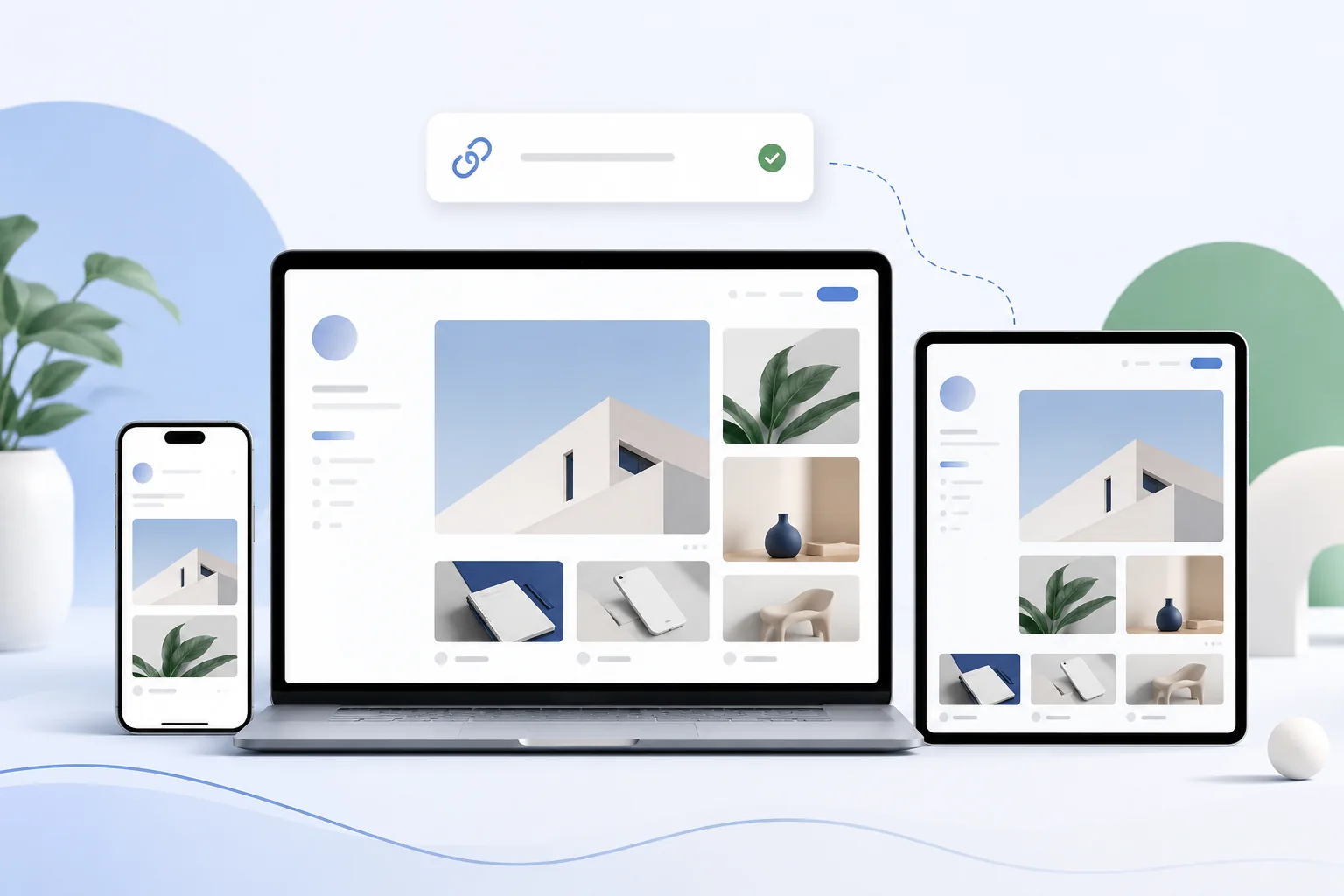
What portfolio hosting should solve
A portfolio site is not only a gallery. It is a proof surface.
| Need | What it means in practice |
|---|---|
| Controlled identity | Use your own domain instead of depending only on a marketplace or social profile URL. |
| Case-study depth | Show context, role, constraints, process, outcome, and proof. |
| Visual quality | Serve images and media intentionally, without a platform compressing everything into the same feed format. |
| Live inspection | Link prototypes, static demos, small web apps, documentation, or source code. |
| Private review | Share unfinished or NDA-sensitive work behind password protection when needed. |
| Launch safety | Replace or roll back a portfolio update if an export, image path, or project page breaks. |
The best portfolio hosting path should let a simple site start simple and grow into a more serious professional presence.
Static portfolio or website builder?
Portfolio builders are convenient. Profile networks are useful for discovery. But an independent static site gives you more control when the portfolio itself needs to become part of the work.
| Option | Good fit | Tradeoff |
|---|---|---|
| Profile network | Discovery, quick visual uploads, community signals | Limited structure, branding, routing, and interaction control. |
| Website builder | Non-technical editing, templates, quick pages | Monthly cost, template constraints, export limits, and lock-in vary. |
| Static portfolio | Custom design, exported builds, code portfolios, interactive demos | You need to manage files, assets, and publishing discipline. |
For a visual designer, a portfolio can be the interface. For a frontend developer, it can be the product sample. For a studio, it can be the first serious brand touchpoint. In those cases, the site should not feel like a profile inside someone else's system.
What to publish from common tools
The most common mistake is uploading the wrong folder.
| Tool or stack | Usually publish this | Check before upload |
|---|---|---|
| Plain HTML/CSS/JS | Folder containing index.html | Include images, fonts, scripts, and project pages. |
| Framer export | The exported static folder | Test asset paths and responsive layouts after export. |
| Webflow export | Exported site folder | Confirm custom code and forms still behave as expected. |
| Vite | dist after npm run build | Check base paths if the site uses nested routes. |
| React static build | build or framework output | Test client-side routes and asset paths. |
| Next static export | out | Only for routes that can be exported statically. |
| Astro / Eleventy / Hugo / Jekyll | Generated output folder | Do not upload source content unless the host runs the build. |
Cloudflare Pages documents Direct Upload for prebuilt assets and local-computer uploads. That pattern matters for portfolios because many portfolios start as finished export folders, not as clean CI pipelines.
The case-study page matters more than the homepage
The homepage gets attention, but case-study pages create trust.
A strong portfolio case study usually answers these questions:
| Question | Why it matters |
|---|---|
| What was the problem? | A stranger needs to understand the brief, audience, and constraints. |
| What was your role? | Teams want to know what you actually owned. |
| What decisions did you make? | Process matters more when the visual outcome looks polished. |
| What changed after launch? | Metrics, quotes, before-and-after states, or lessons make the work credible. |
| Where can it be inspected? | Link live demos, prototypes, videos, source code, or deeper writeups. |
Do not make every project page the same length. A small CSS experiment may need three paragraphs and a live demo. A product redesign may need a full case study. A confidential client project may need a redacted summary and private review link.
Keep media impressive without making the site slow
Portfolio sites often fail because the work is visually strong but the page is heavy.
Before launch:
- Export images at the size the layout actually uses.
- Prefer modern image formats where your workflow supports them.
- Compress videos and avoid autoplaying large background media by default.
- Lazy-load long galleries.
- Keep original high-resolution assets available only when they are useful.
- Test the site on a phone over a normal network, not only on a studio monitor.
Analytics can help after launch. If a key case study gets traffic but people leave quickly, the issue may be story structure, media weight, or mobile layout rather than the quality of the work.
Use a custom domain when the portfolio becomes serious
A generated preview URL is fine for a first review. A serious portfolio should usually live on a domain you control.
Good domain patterns include:
| Pattern | Example use |
|---|---|
| Personal name | alexchen.dev, maria.design |
| Studio name | northline.studio |
| Role-focused | productdesigner.name, frontend.dev |
| Subdomain | work.example.com, portfolio.example.com |
Custom domains are not only about vanity. They make the link easier to remember, easier to reuse, and less dependent on the platform where you first published it. Google also documents structured data for profile pages, which can help search engines understand people or organizations represented on a site. That is not a ranking trick, but it is another reason to treat the portfolio as a real web property.
Protect work that should not be public yet
Portfolios often include sensitive material: client names, unreleased product screens, internal metrics, pitch work, student team projects, or screenshots covered by NDA.
Use a simple rule:
| Work type | Safer publishing choice |
|---|---|
| Public shipped work | Public case study with links and images. |
| Client-approved but limited | Public summary plus password-protected details. |
| NDA or unreleased work | Redacted page or private review link only. |
| Team project | Clarify your role and credit collaborators. |
| Metrics | Use ranges or qualitative outcomes if exact numbers are confidential. |
Password protection is not a legal review process. It is a practical sharing layer. If the work is contract-sensitive, get permission before publishing any details.
What analytics should tell you
Portfolio analytics do not need to become a dashboard hobby. They should answer a few useful questions.
| Question | Useful signal |
|---|---|
| Are people opening the portfolio? | Visits, visitors, countries, referrers. |
| Which work gets attention? | Top pages and project paths. |
| Are recruiters coming from the right places? | Referrers from LinkedIn, email campaigns, job boards, or personal domains. |
| Is the site too heavy? | Bandwidth, device mix, browser mix, and mobile traffic. |
| Did a new version break something? | Sudden traffic drop on important pages or repeated 404 paths. |
Use UTM links when you share the portfolio in a campaign, resume PDF, LinkedIn post, or outreach email. That keeps "someone opened it" from becoming pure guesswork.
Where DeployPages fits
DeployPages works well when your portfolio is a static site or a static export and you want a controlled publishing path.
You can upload an HTML folder, ZIP, Framer export, static build output, small live demo, PDF case-study asset, or full portfolio site from the browser. As the portfolio grows, the same project can use custom domains, analytics, password protection, instant rollback, and CLI deploys.
For a portfolio-specific starting point, use portfolio hosting. If your portfolio begins as a resume page, see resume hosting. If you are publishing a plain folder or single HTML file, the HTML deployment guide is the fastest walkthrough.
Pre-launch checklist
Before sharing the portfolio link publicly:
- Open every top-level page and case-study page.
- Check mobile layout for hero sections, galleries, captions, and project cards.
- Compress images, videos, PDFs, and unnecessary export assets.
- Replace
localhost, private file paths, placeholder copy, and draft project names. - Add a clear contact path.
- Add a custom domain if the portfolio is being used professionally.
- Keep sensitive work redacted or password-protected.
- Test links to live demos, source code, prototypes, and external media.
- Keep a rollback path before uploading a major redesign.
A portfolio does not need to be huge. It needs to be inspectable, fast enough, honest about your role, and easy to remember.