A bad static-site publish is rarely dramatic at first. One route goes blank. A CSS file is missing. The mobile layout breaks. A campaign page ships with the wrong offer. A PDF link points to yesterday's document.
The mistake gets worse when the team starts fixing production under pressure.
For a static site, the safer move is often simpler: restore the last known-good version first, then investigate the failed release when visitors are no longer seeing it.
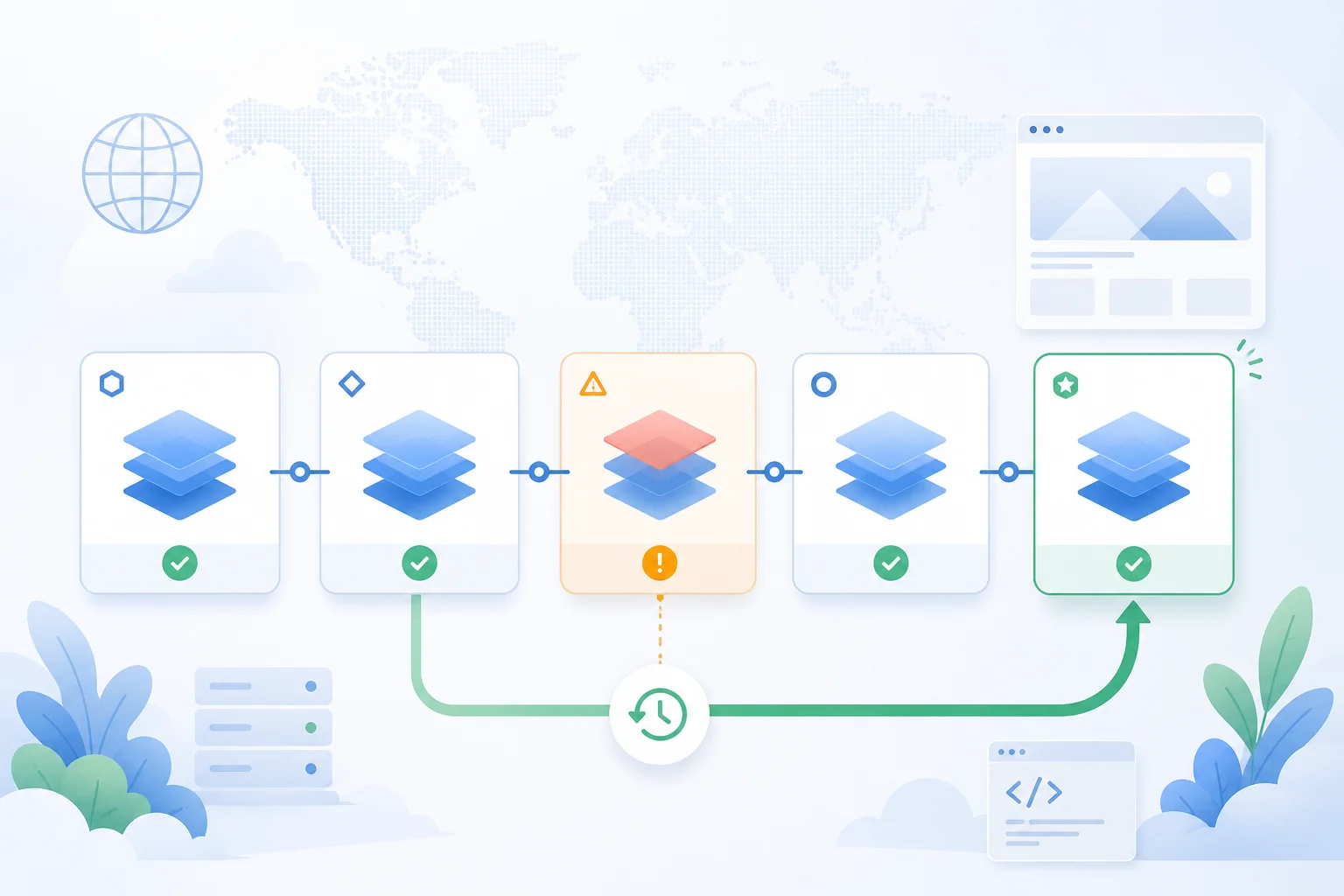
Rollback is for live impact, not every typo
Rollback is not a replacement for ordinary editing. If a sentence has a small typo and nobody is blocked, uploading a corrected version may be enough.
It becomes the better first action when the live URL is materially worse than it was before the update.
| Failure | Why rollback helps |
|---|---|
| Blank page after upload | Visitors get a working version while you inspect the broken build. |
| Missing CSS or images | The previous asset manifest is usually safer than guessing paths live. |
| Broken routing | Deep links and campaign URLs can recover before the next investigation step. |
| Wrong campaign copy | The old approved offer can return while the team fixes the message. |
| Bad AI export | You can move away from generated placeholder content without rebuilding in panic. |
| Broken PDF or download | The public link stops pointing at a bad or missing file. |
The rule is practical: if the current public version is actively damaging review, trust, conversion, or access, move back first.
Why static sites can roll back cleanly
Static sites are a good fit for rollback because a release can be treated as a versioned set of files.
That is different from editing a live folder in place. With in-place editing, a release can become a mix of old HTML, new JavaScript, missing images, and browser cache. With versioned static publishing, each deployment should describe a complete state of the site.
The useful recovery model looks like this:
| Layer | What it should preserve | Why it matters |
|---|---|---|
| Build output | The exact HTML, CSS, JS, images, fonts, PDFs, and assets for a release | You do not need to recreate the old site from memory. |
| Deployment record | Which version was active and when it changed | You can choose a known-good target. |
| Domain mapping | Which deployment the public URL should serve | Recovery can happen by promoting/restoring a version. |
| Audit context | Who published, what changed, and why | The team can debug after the public issue is contained. |
Cloudflare Pages describes rollbacks as reverting a project to a previous production deployment. Vercel's Instant Rollback similarly points production domains back to an earlier deployment. Netlify lets teams publish a previous deploy as the live production version. The product details differ, but the underlying pattern is consistent: the old release must still exist as a deployable target.
The mistake to avoid: rebuilding the old site during an incident
If rollback means "find the old ZIP, rebuild locally, upload again, and hope it matches," it is not really rollback. It is an emergency redeploy.
That can still work, but it adds risk at the exact moment you want less risk:
- The old source may not match the deployed build.
- Dependencies may have changed.
- Environment values may not be the same.
- A teammate may choose the wrong folder.
- The new upload can introduce another broken state.
The safer recovery path is to keep previous successful deployments available and change which one is live. That is why version history matters even for small static sites.
A good rollback decision flow
Do not make rollback a philosophical debate. Make it a short release decision.
| Question | If yes | If no |
|---|---|---|
| Is the live site broken for real visitors? | Roll back or restore a known-good version. | Fix forward may be enough. |
| Is the failure limited to minor copy? | Consider a quick corrected upload. | Keep evaluating impact. |
| Is the previous version known to work? | Use it as the rollback target. | Look for the most recent verified version. |
| Did the change include API or data assumptions? | Check compatibility before and after rollback. | Static rollback is likely enough. |
| Is a campaign, client review, or public launch active? | Contain public impact first. | You may have more room to debug. |
The goal is not to prove that rollback is always correct. The goal is to remove hesitation when the public version is clearly worse than the last one.
What to check immediately after rollback
Rollback is not finished when the button says success. Verify the public experience.
- Open the homepage from a private window.
- Open the most important deep links.
- Check CSS, JavaScript, images, fonts, PDF files, and downloads.
- Test the custom domain and the preview URL if both are used.
- Confirm HTTPS is still valid for the hostname.
- Check recent traffic or logs to make sure requests are reaching the restored version.
- Tell the team which version is live now.
If the issue involved domain changes, also check DNS and certificate state. A static rollback can restore files, but it will not fix an unrelated DNS record or expired certificate. DeployPages includes a DNS lookup tool and SSL checker for those launch checks.
What rollback does not solve
Rollback restores static delivery state. It does not magically undo every dependency around the site.
Be careful when the release also depended on:
| Dependency | Why rollback may not be enough |
|---|---|
| External APIs | The previous frontend may expect an API response that has already changed. |
| Databases | Static rollback does not reverse migrations or data writes. |
| CMS content | The old build may still read new content if rendering happens elsewhere. |
| Third-party scripts | A vendor outage or script behavior change can affect old and new versions. |
| DNS or certificates | File rollback does not repair domain configuration. |
| Browser cache | Some visitors may still hold cached assets for a short time. |
This is where teams sometimes overtrust rollback. It is powerful for frontend and static-asset incidents. It is not a complete incident-response plan for every system connected to a site.
Rollback for browser uploads, Git, and CLI releases
Static sites reach production through different paths. The recovery principle stays the same.
Browser upload
Browser upload is common for HTML folders, AI exports, portfolios, PDFs, one-off pages, and client previews. The risk is that the person uploading may not keep a clean copy of the previous version.
Versioned deployments help here because the old release lives in the project, not only in someone's downloads folder.
Git-based publishing
Git history helps, but it is not the same as a deployed artifact. The commit may be available, yet rebuilding it later can produce a different output if dependencies, build settings, or environment values changed.
For static releases, it is still useful to keep the successful deployment itself available.
CLI deploys
CLI releases are usually more repeatable, especially when they run after a build command. They still need rollback because repeatable does not mean risk-free. A valid build can still ship a wrong route, broken asset path, or bad content update.
How DeployPages fits this release model
DeployPages is built around publishing static versions, not editing a live folder by hand.
You can start with a browser upload for the first public link, then keep using the same project as the site becomes more serious. When updates begin to matter, the project can use instant rollback, analytics, custom domains, password protection, and CLI deploys.
The important product idea is simple: each meaningful update should leave a path back. If a new upload breaks the public URL, the team should not need to reconstruct yesterday's site while visitors wait.
A simple rollback playbook for static sites
Use this before the next launch:
| Step | Owner | Done when |
|---|---|---|
| Name the release | Publisher | The team knows what changed and why. |
| Verify the preview | Reviewer | Homepage, deep links, assets, and mobile layout work. |
| Keep the previous version available | Platform/project owner | There is a known-good version to restore. |
| Publish to production | Publisher | The public URL serves the intended release. |
| Watch first signals | Owner | Analytics, logs, and manual checks show no obvious breakage. |
| Roll back if needed | Owner with permission | The public URL is restored to a verified version. |
| Debug after recovery | Builder | The bad release is fixed without keeping it live. |
This playbook is intentionally boring. Boring is useful when a public page is broken.
When rollback becomes a must-have
Rollback is optional for a disposable preview that will be replaced tomorrow.
It becomes important when:
- The site has a custom domain.
- A client, class, recruiter, or campaign audience already has the link.
- More than one person can publish updates.
- The site affects revenue, reputation, hiring, or support.
- You publish AI-generated or handoff-based output that needs review.
- The site changes often enough that manual ZIP archives are not trustworthy.
Once a static site is part of a real workflow, rollback is not just a comfort feature. It is what lets the team update without treating every publish as a one-way door.